

I’m not going to tell you that Photoshop CS5 is launched and you should go through 10 exciting new features of Photoshop CS5. Today i decided to lick the inner scoop of CS5 and was trying my hands on one of the best features of Adobe Photoshop CS5. I’m impressed with the response of “White Rabbit” (official name of Photoshop CS5), the way it load (faster loading time), the way it import the new images and the ultimate feature of content aware fill.
About an year ago i described the advantage of using content aware scaling in Photoshop CS4 and now i’m going to show a screen cast of breezy CS5. Editing images and background are just a single click away in Photoshop CS5 with the help of content aware fill.
Check out the screen-cast
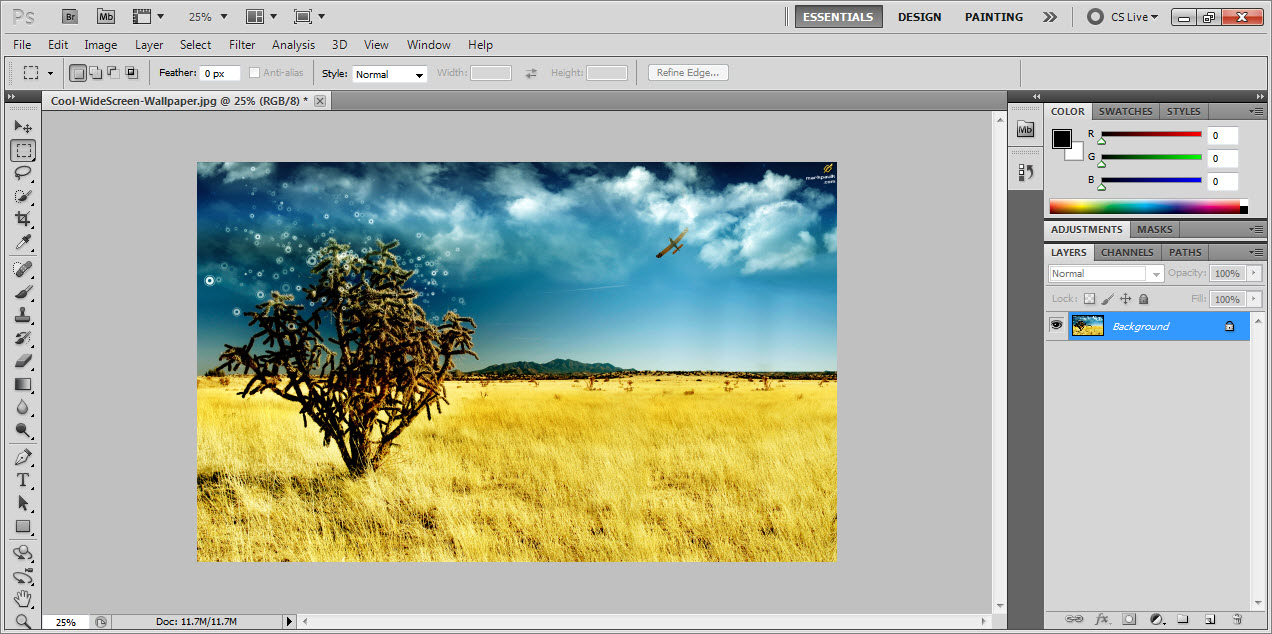
Before Content Aware Fill
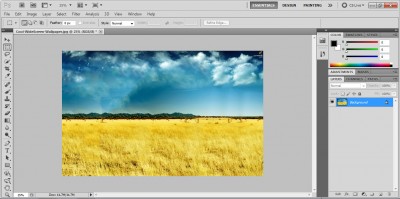
After Content Aware Fill
I would also recommend 10 Photoshop tutorials and resources for web designers. If you are a designer or even have an eye of inspirations then you should also checkout following few articles.
- 50 Inspiring Book Cover Designs
- 50 Inspirational Web Portfolios
- 50 examples of Creative Art Typography
- 10 Flash Resources
- 10 Web Design Forums
- 10 HTML / CSS Resources
- 10 Places for a Web Designer to Make Money Online
Before Content Aware Fill- Second Example
After Content Aware Fill- Second Example

Comments
25 responses to “Content Aware Fill in Photoshop CS5 is amazingly great”