
Digital images brings faster ways to manage photos, editing and making it better. But what will you do when you’re failed to buy high priced cost of photo editing software? No ways, you have to buy good one, with high price and then use it. Where as, on web lots of website based and desktop clients photos editors available which may doing the same things bit differently. Lets see in below:
How To Edit Images With Gimp:
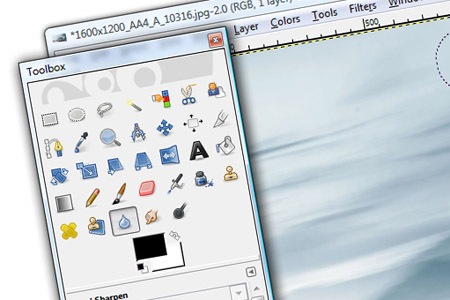
The GIMP an images editor which is so powerful tools and it has built in lots of features such as airbrush, selective blurring, cloning and path tools which are usually being using in paid but over all it’s open source based and free for everyone.
How To Edit Your Photos In Website:
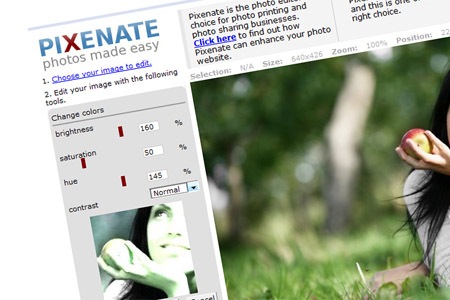
Pixenate which is web based photo editing free service and you can quickly touch and fix photos, just you have to connect your camera and upload the images to the websites and their you can set the performs such as red-eye reduction, cropping, changing colors, contrasts and so on. However, it’s web based and it’s not fully compatible with advanced tools but it’s totally user friendly and for basis edit of photos, it’s working smoothly.
How To Upload and Manage Your Photos Using Picasa:
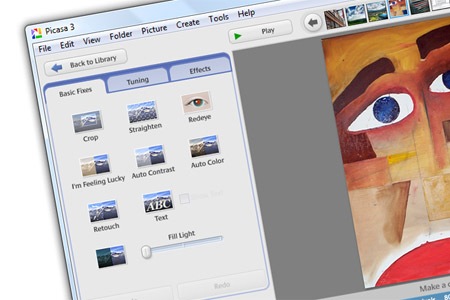
Picasa desktop client which brings a free software and easily that will find out your computers all photos except the hidden files. Easily you can effect your photos differently and cropping, straighten, redeye, auto contrast, auto color, test, retouch, fill light all features available and even you can upload your photo to web by using Picasa.
How To Edit Photos With Advanced Features:
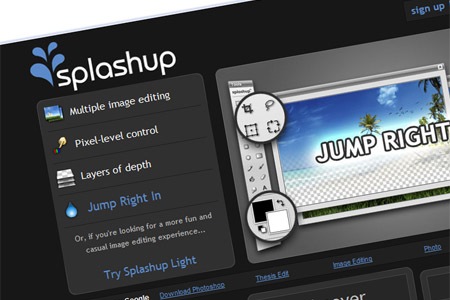
Splashup an web based free images editor which enabled multiple images editing service simultaneously. It has advanced features such as layers, path and more. Even, you can compare with photoshop you’re using in web, without installing any applications, you can enjoy it.
How To Make Animated Images:
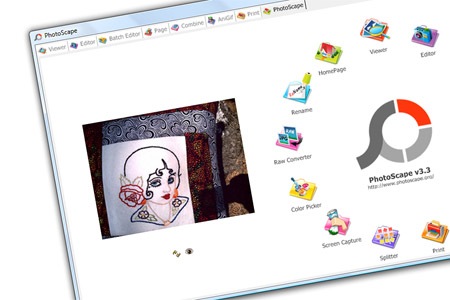
Photoscape an image editor which brings batch editor, animator, combiner and easy to screen capture, combine photos, making animated gifs files and converting raw files under this small software and you can say, all in one and so smoothly and friendly.

Comments
One response to “Freeware: Get Your Free Images Editor”