
This is one of the tip that you can use to remove the clutter from the desktop of your Mac. The default file save location of Screen Shots (Command+Shift+4) in Mac is on Desktop which should ideally been into a specific folder (this is what i think).
With the help of below commands you can change the location within 1 minute & without any hassel. Here are the steps:
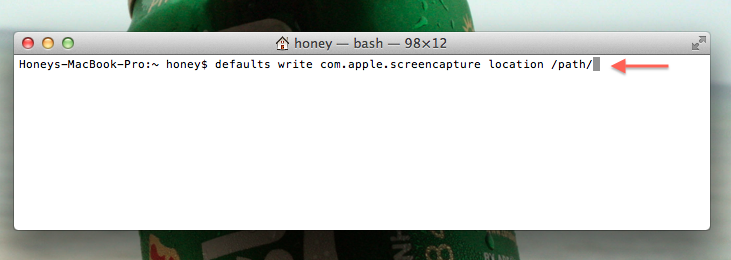
Step1: Simply launch the Terminal and use the following syntax:
defaults write com.apple.screencapture location /path/
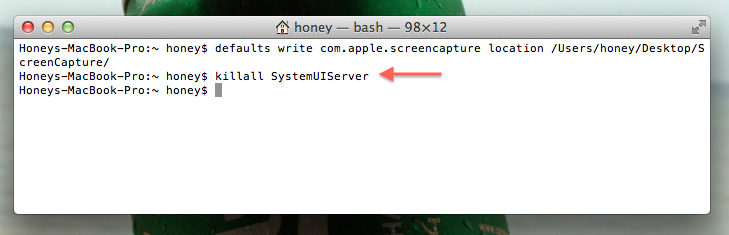
Step2: To implement the changes effects, use
killall SystemUIServer
Comments
31 responses to “How to Change the Default Save File Location of Screen Shot in Mac OS X”