
If you don’t know about the IP address then have a look over the definition of the IP address:
What is IP address?
An IP address (Internet Protocol Address) is a logical address of a network adapter. The IP address is unique and identifies computers on a network. An IP address can be private, for use on a LAN, or public, for use on the Internet or other WAN. Source- ip-address.com.
How to find my IP address?
You can check your IP address of your website here.Moreover if you need a widgets of html code to display it on your website or blog then simply copy paste the below code in your sidebar or anywhere on the webpage.
<a href="https://honeytechblog.com/ip/">

<img src="https://www.honeytechblog.com/ip/image.php" title="My IP Address" />

</a>
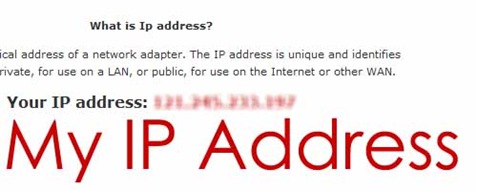
The out put will looks like this
Details information of the IP address,issuing authority and its threats can be found here.
Comments
2 responses to “How to find my IP address and display it in website”