

 Adobe air is a light weighted tool that makes me happy while i on the Windows.I used clients for twitter (twhirl) , Spaz , Webkut and many other applications.Adobe it self says ¨Adobe® AIR™ is a cross-operating system run time that lets developers combine HTML, Ajax, Adobe Flash®, and Adobe Flex® technologies to deploy rich Internet applications (RIAs) on the desktop¨
Recently while using Ubuntu Studio i feels the need of Adobe Air and other applications so i tried to installed Air for my Linux box. Here is the simple process to install it on Linux (test ed on Ubuntu Studio 8.04)
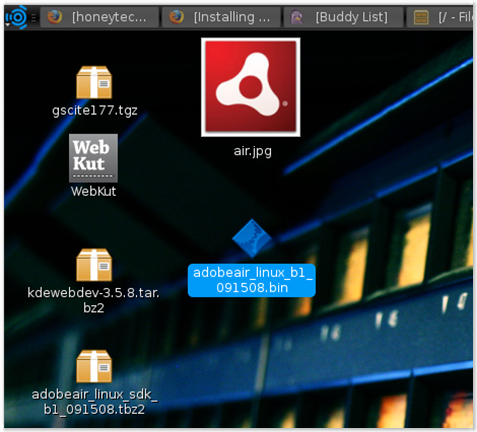
- Download the Adobe air from here ( http://download.macromedia.com/pub/labs/air/linux/adobeair_linux_b1_091508.bin)
- Save the file in the Home ( file name will be adobeair_linux_b1_091508.bin )
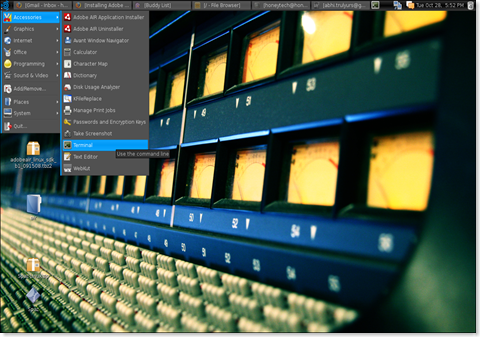
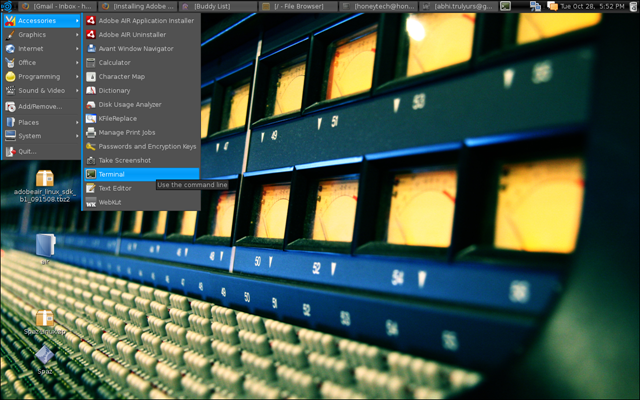
- Go to the start and open a terminal ( Applications–> Accessories –> Terminal)
- Now from Terminal Window go to the director where we saved Adobe AIR installer (/home/):cd /home/
- From terminal run
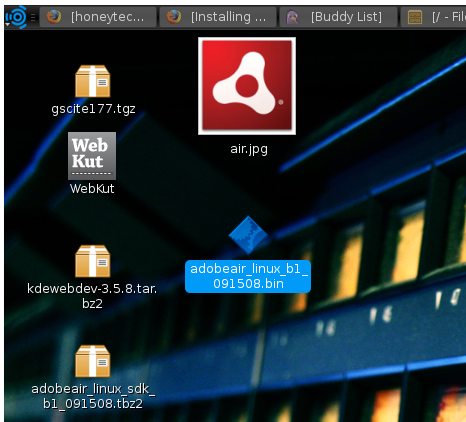
- Normally the downloaded files are not have enough privilege so we will make it compatible for installing, for this we will increase its permission level by
or
- Now Adobe Air is ready for installation, use this command to proceed further
./filename
or
./adobeair_linux_b1_091508.bin - Now you can easily install AdobeAIR
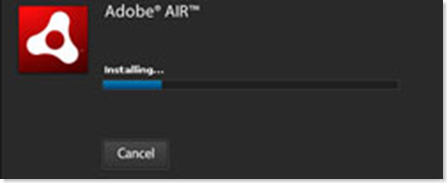
- You can easily install ADOBEAIR applications on your LINUX BOX.
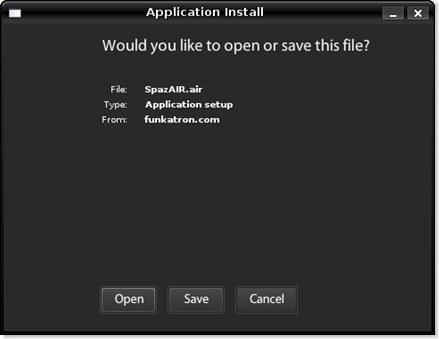
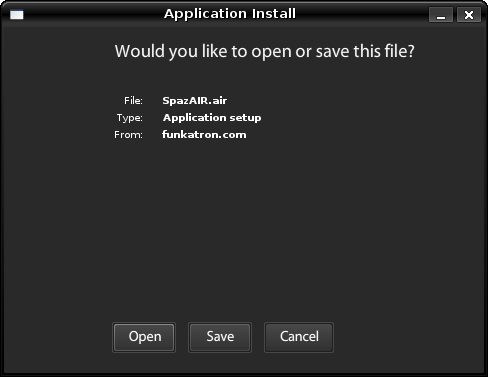
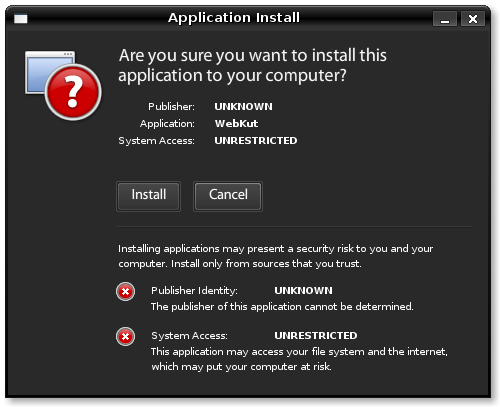
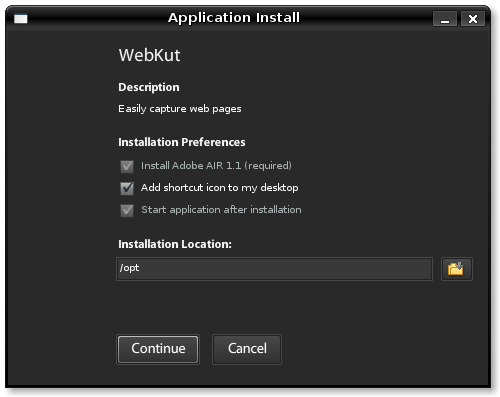
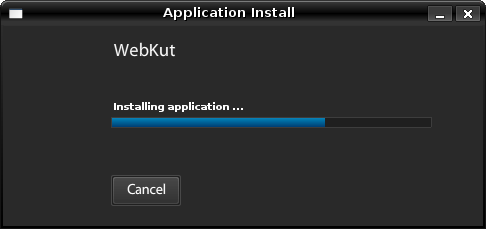
Note: If you want to uninstall an AIR application, open a terminal again (Applications > Accessories > Terminal).
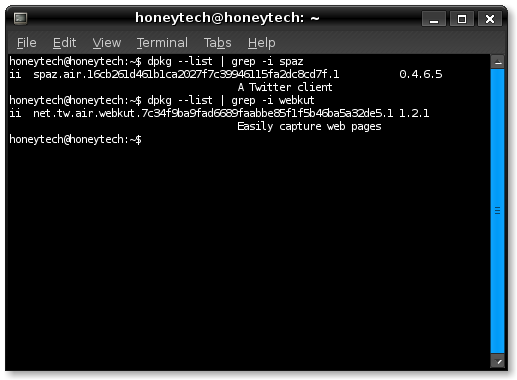
In this example I will show how to uninstall Spaz.
To find out the correct name of the Spaz package, run
for example output as
ii net.tw.air.webkut.7c34f9ba9fad6689faabbe85f1f5b46ba5a32de5.1 1.2.1
honeytech@honeytech:~$
Hence the package we have to remove is
Note: If you face any problems in the above installation then feel free to bother me via comments. Comments are open for you.
Comments
7 responses to “How to install Adobe AIR on Linux”