
When we are meeting on the coffee shops or in the malls we generally glad to access any available open wi-fi hotspots.Caution: While surfing we forget to have the security measures and gave the “dam” to internet shielding just to quickly access the mails,online business calls,tweets or other social networks.I think we forget that how some one was able to break into Paris Hilton’s mobile and grab her address book and emails together with the some private tapes.
Need not to worry a lot because Hotspot Shield is freeware application that have very dense tunnels which prevents snoopers and hackers from viewing your email, instant messages, credit card information or anything else you send over the network.It guarantees for anonymous and censor-free internet usage. 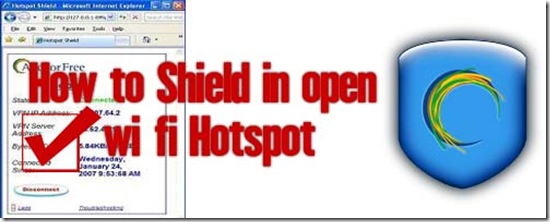
Note:With the use of Hotspot Shield you can even access blocked websites. For example: download.com described that
Skype is blocked in certain parts of the world. With Hotspot Shield, anyone can access Skype (and any other site they choose). The free software ensures censor-free internet usage by encrypting all communications to and from your computer to protect you from online spying. While advertising supported, HotSpot Shield is is not an invasive adware or pervasive spyware application.
Moreover some members of Cnet.com also reviewed the product ,the basic snip is as follows
This freeware program promises to encrypt all your Internet connections, but since most public wi-fi access points in the U.S. are open, it’s a bit hard to gauge Hotspot Shield’s effectiveness. However, the connection itself is a bit wonky.
Once the program is installed, it creates an HTML link on your desktop. Double-clicking on it will open the application in your Web browser, and you’ll be taken to a page detailing your Connection Status, IP Address, Server Address, Bytes sent and received, and the duration of the connection. Hotspot Shield is ad supported, so you’ll get a big banner ad that lives at the top of every Web page, too. Closing the tab with the app’s control panel doesn’t disconnect the shield, though: for that, or to reload the control panel, you have to go through the green shield icon that gets loaded into your system tray. Also, there’s a 5 GB transfer limit.
Overall, we can’t give Hotspot Shield a strong recommendation, but as a last resort it might be worth trying out.
Reviewed by: Seth Rosenblatt
Comments
76 responses to “How to Shield in open wi-fi Hotspot”