
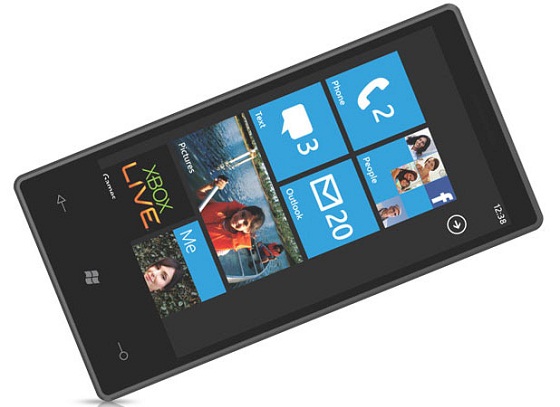

About 2 years ago i wrote a post on “ACCESS ORKUT ON YOUR MOBILE”.Though number of people get a success login in orkut mobile but some are still facing problems.People use to comment on the article when they face any problems and this is the only reason why i write this post for making things clear for my viewers and orkut mobile users.Now the questions is Why we face sign-in problems on orkut mobile? A simple answer to this common question is as follows:
- Make sure that your mobile device meets the minimum requirements to access orkut
- orkut passwords are case-sensitive, so make sure your mobile device isn’t locked on uppercase letters or lowercase letters. On most devices, you can set the text entry mode to all lowercase letters, and use the shift key to change the case. See your phone’s manual for details.
- Once you’ve checked your username and password, clear your mobile browser’s cache and cookies, and sign in to orkut again.
- Try signing in with ‘Remember Me’ box unchecked.
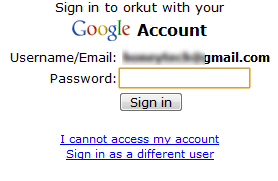
- If orkut still says your password is incorrect after you check your device’s settings, you may want to reset your password.
- If you’re still receiving error messages or experiencing difficulties, check out other troubleshooting options
Source help.orkut.com
orkut logo
by Svetlana Gladkova
Comments
4 responses to “orkut Mobile: Sign-in problems”