
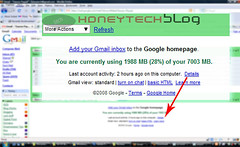
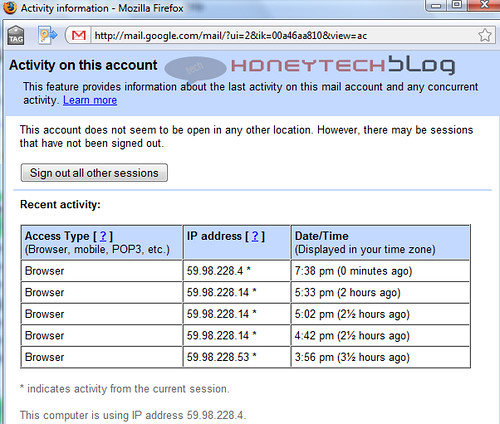
 Today i noticed and awesome security feature of accounts logs at the bottom of my account.This features shows the account activity in past hours ie it provides information about the last activity on this mail account and any concurrent activity.You just have to click the Details link next to the Last account activity line at the bottom of any Gmail page and it will shows information and all the logs about recent activity in your mail.This includes logs of any times that your mail was accessed, using a regular web browser, through a POP client, from a mobile device, etc.It also shows the detail list of the IP address from which the access was made, as well as the time and date.
 What is the benefit of Account Activity feature?
You may saw your activity logs regularly or occasionally and with the information of time and IP used you may easily traced if someone else uses your account.For example from the info of Access Type column if it show any unusual access? or shows use by any mobile device,pop which you haven’t use, So with out wasting any time you can easily change your password and security question.Moreover If your mail is currently being accessed from another location, we’ll list the other session(s) in the Concurrent session information table.If you want you can easily sign out all sessions other than your current session by clicking Sign out all other sessions
Comments
74 responses to “Stop others activity on Gmail account”