
When your friend having face any critical problem in his/her PC? What will you do? If you know the solution,you will try your best to give details instructions by phone or by email. But, sometimes it’s really not worked out. If you have one options to fix his/her PC by self instructions. No worries.
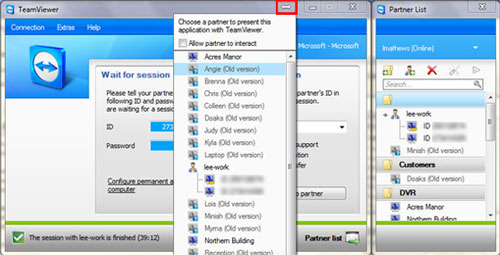
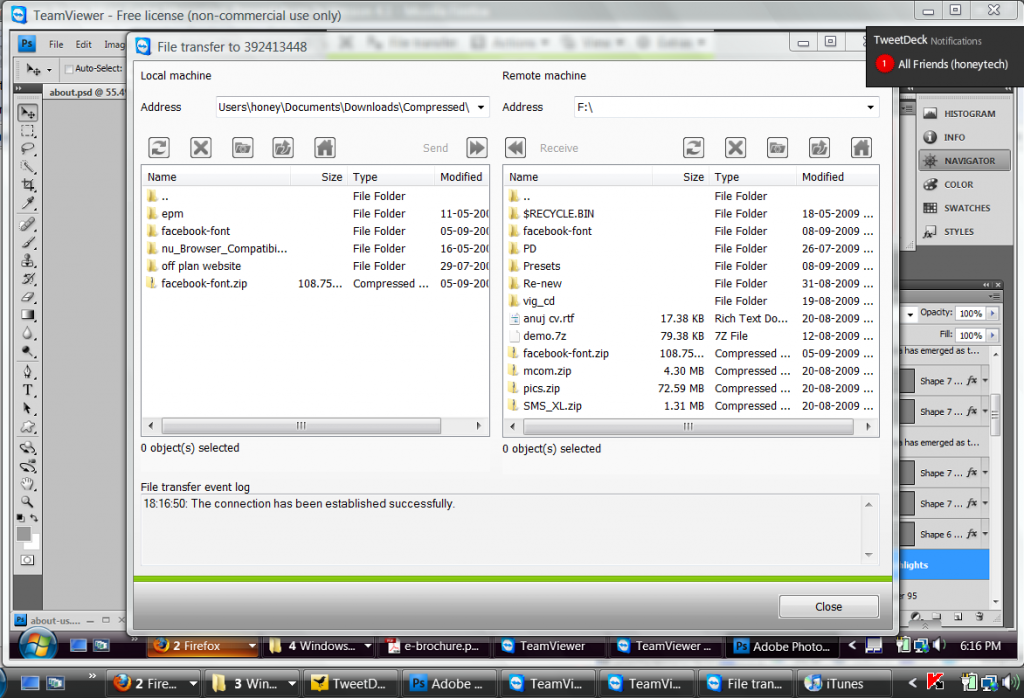
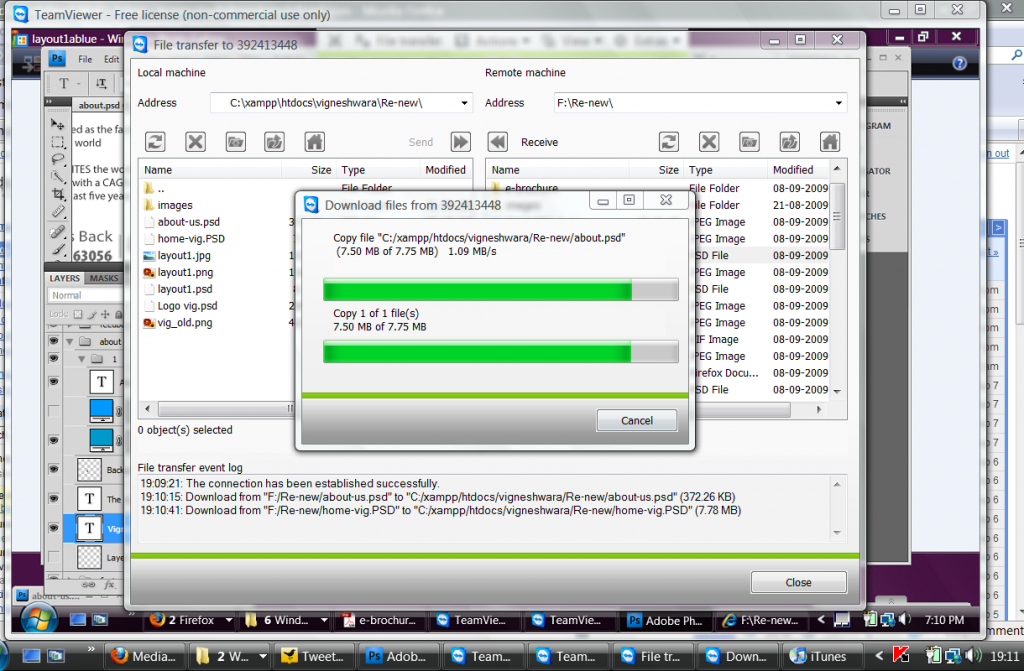
Teamviewer brings such types of software which gives you access to enter your friends computer through the internet connect and available for free download. You can control your friends PC from your PC. Even, you can use your friends — all applications such as, office 2007, browsers, install applications, remove applications, open any applications — just you will the admin. More recently their improves the connection speeds of performance. Now it has more faster connection and on title bar it enabled “quick-sharing button” by clicking that button you can communicate/ contact or instantly connect with your friends PC and a new window will open up in front of you. If you like, you can share your files with super speed, no matter the data size can be Giga but you needs faster internet connection and it may take several times to transfer such big files.
File Transfer from TeamViewer
 However, the messaging system totally changed and now supporting conferencing with more then two users and you can send direct messages to your contact list and even when they are offline mode. Now, it’s free for personal purpose see details in press.
Note: I personally use the TeamViewer for handling the projects within my tea. It increases my efficiency by 10 times and helps me in training the new trainees. It also helps me in demonstrating the projects requirements , transferring the necessary files and even working remotely on different applications.
My ratings: 8.5/10

Comments
5 responses to “TeamViewer Brings More Faster Messaging, Presentations In Version 4.1”